WavePad Audio Editor
NCH Software
Downloads
10,000,000+
Source
Google Play
Click to download now, finish the installation quickly, and directly unlock the all-round experience
Screenshots
Click to download now, finish the installation quickly, and directly unlock the all-round experience
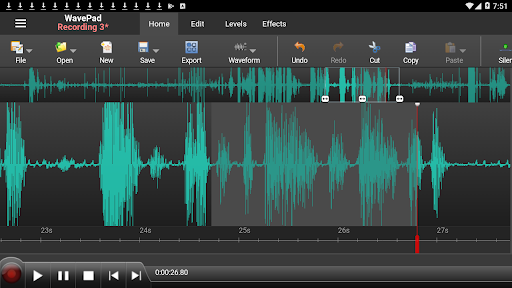
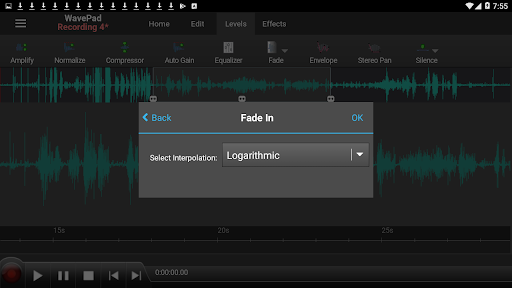
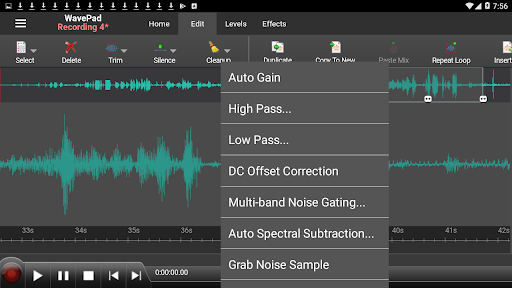
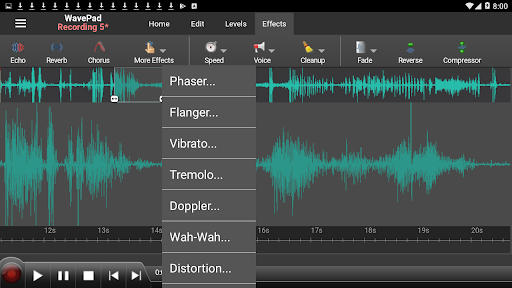
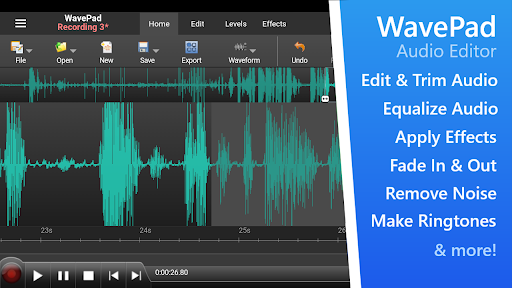
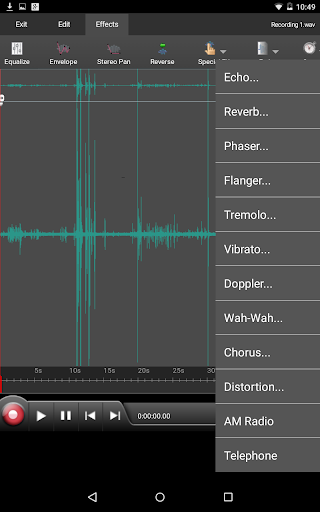
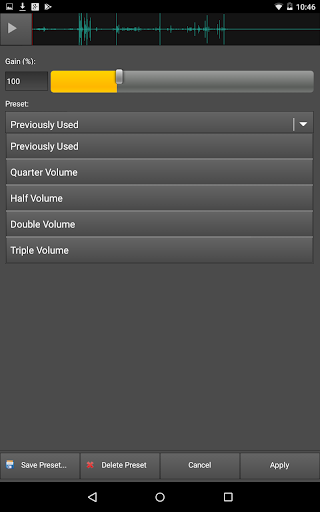
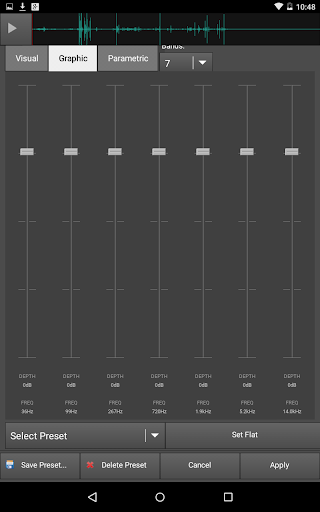
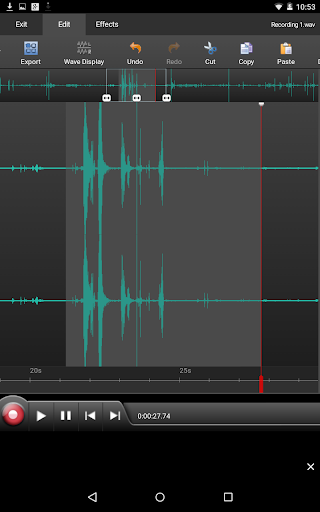
WavePad Audio Editor is for recording and editing music, voice notes and other audio on Android. It lets you work directly with a recording: cut, copy, paste or delete sections, then adjust the sound with effects such as amplification, equalization, echo and noise reduction. That makes it a practical fit for people who regularly need to clean up or trim audio, rather than only listen to it.
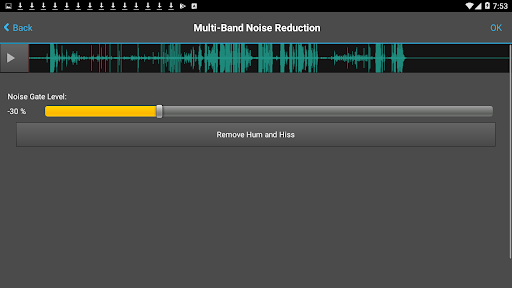
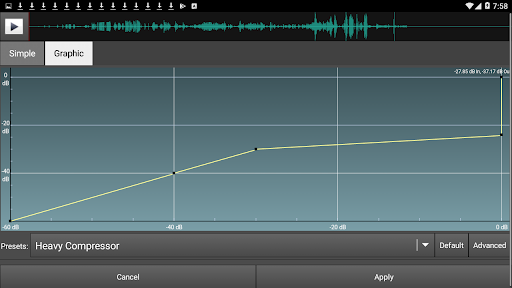
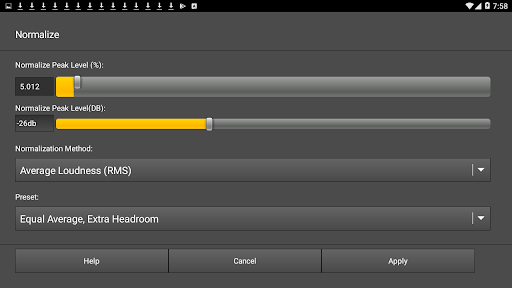
The listed tools cover common jobs, from removing unwanted sections to reducing background noise and smoothing volume. WavePad also supports several audio formats, including WAV, MP3 and AIFF, so it may suit a workflow involving files from more than one source. The breadth is useful, but it also means this is a hands-on editor: it is most worthwhile if you expect to make changes to recordings, not just capture them.
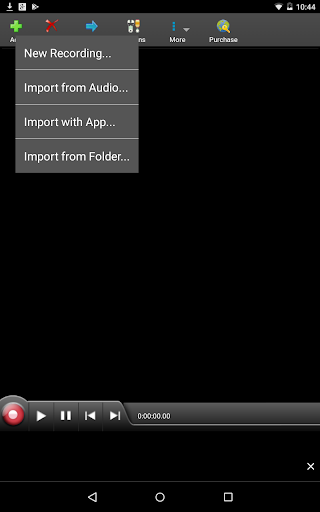
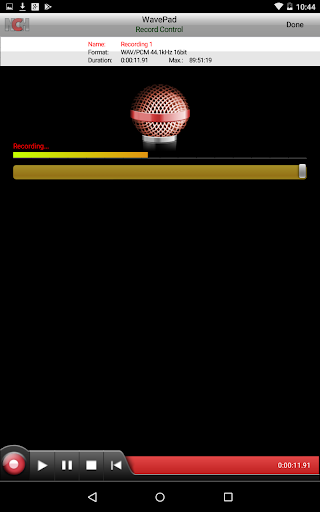
Someone who records interviews, voice material or musical ideas on a phone could return to WavePad for small edits without moving every task to a computer. The listing also describes options for saving or sharing recordings. The free edition is identified as non-commercial, so people editing audio for paid work should check that limitation before making it part of their routine.
NCH Software is the named developer. The listing shows 10,000,000+ installs and a 4.09 rating from 41,038 reviews. Those figures suggest a substantial audience and provide more evidence of continued use than a new listing would, though they cannot tell you whether the app’s controls suit your particular editing habits. If you need frequent, straightforward audio adjustments on your phone, its focused toolset gives it a clear reason to stay installed; occasional recorders may find a dedicated editor more than they need.