Click to download now, finish the installation quickly, and directly unlock the all-round experience
Screenshots



Click to download now, finish the installation quickly, and directly unlock the all-round experience
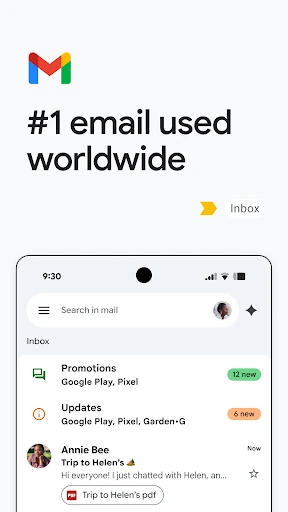
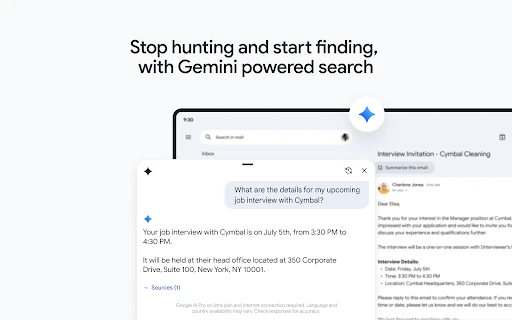
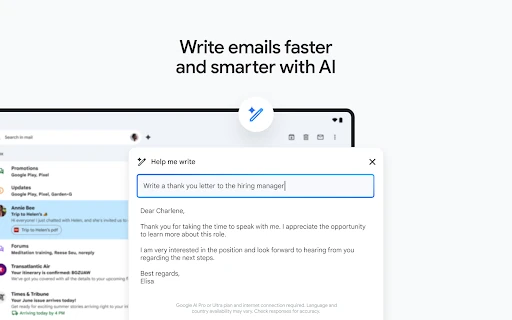
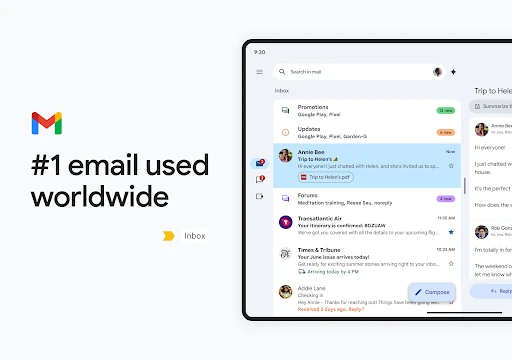
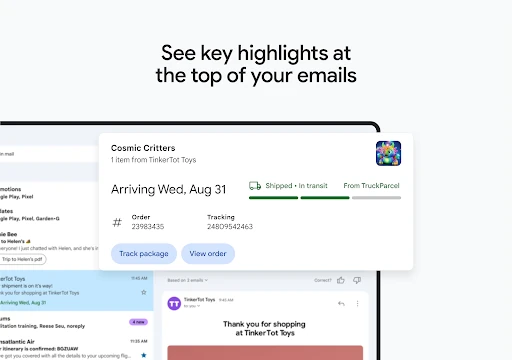
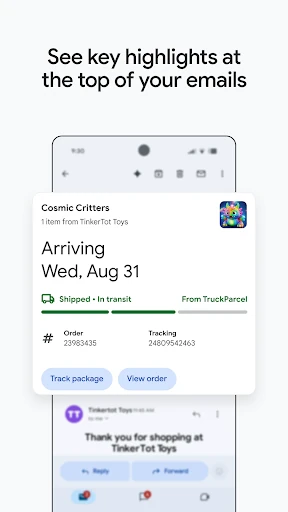
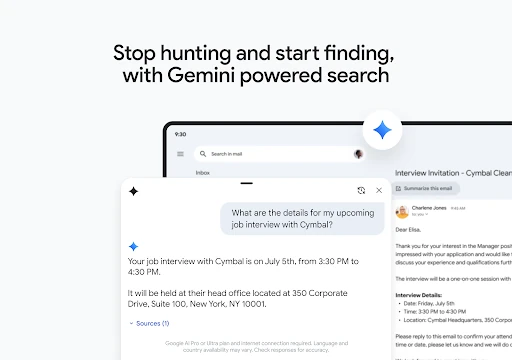
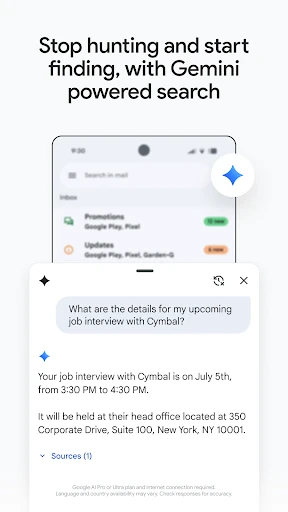
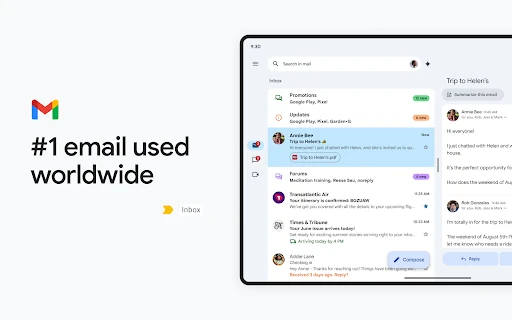
Gmail is Google’s email app for reading, sending and organising messages on an Android phone. It suits people who use email for personal correspondence, work, account notices or all three, and want a familiar inbox they can check throughout the day. Search helps when an older message is easier to find by sender or subject than by scrolling through the inbox.
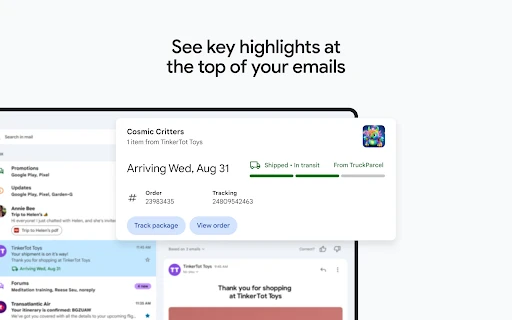
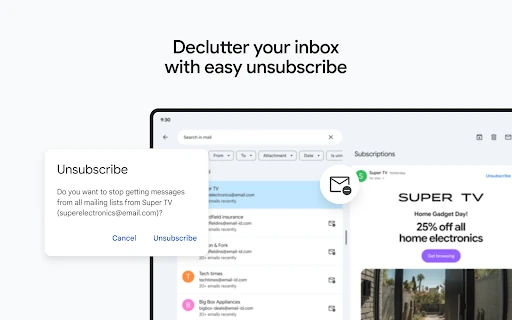
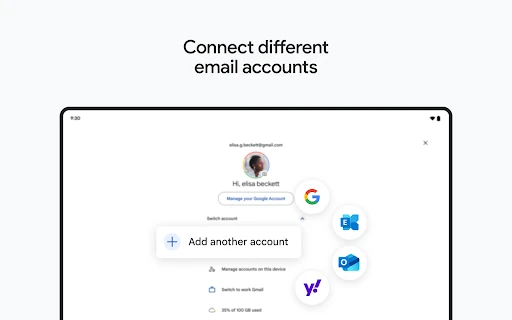
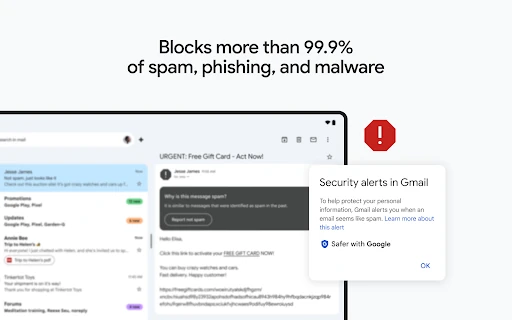
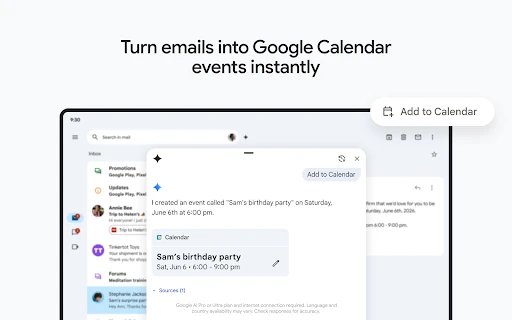
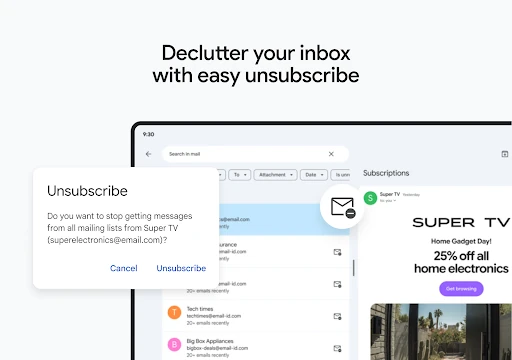
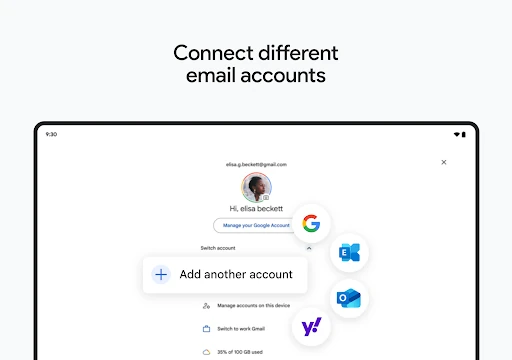
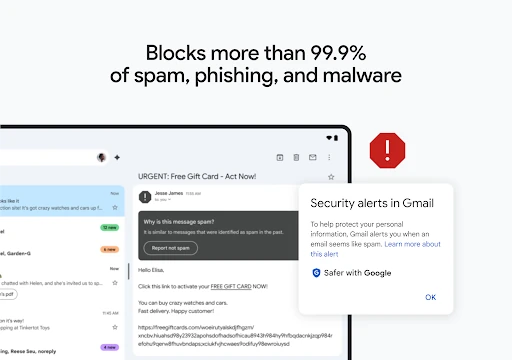
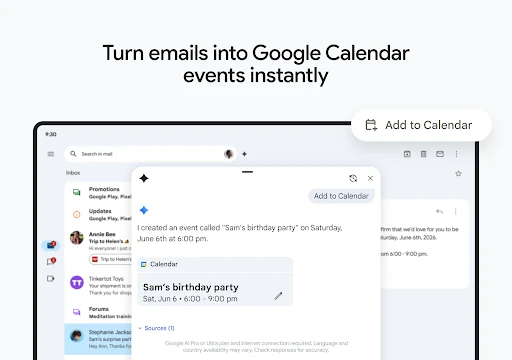
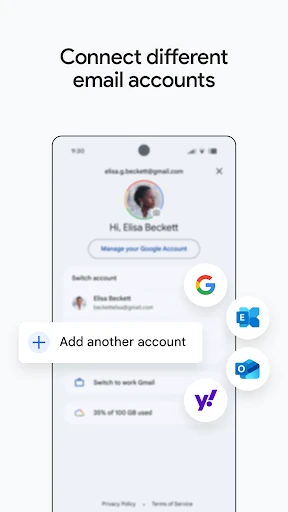
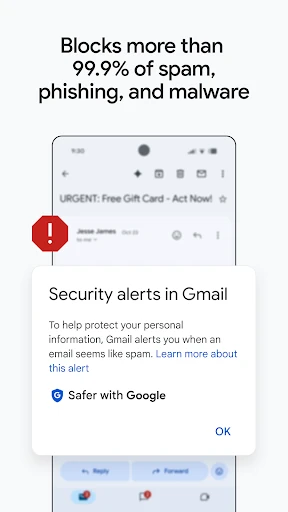
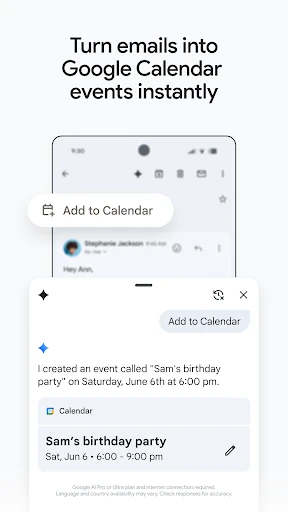
The app can handle more than one email account, including accounts from other providers, so people who keep separate addresses can check them in one place. Spam filtering and tools for sorting messages help keep routine inbox work manageable. Gmail also connects with Google services such as Calendar, Meet and Chat, which can be useful when an email leads to a meeting or a scheduled event. Those extras matter most to people already using Google’s tools; they are not a reason everyone needs a more elaborate email setup.
Gmail is made by Google LLC and has more than 10 billion installs listed. Its rating is 4.1 from about 14.2 million ratings. That scale suggests a widely used, established service, but it does not tell you whether its interface will suit your habits. The app’s connection to Google services is convenient for some and may feel like extra complexity to someone who only wants a basic mailbox.
For someone who checks email regularly, uses several addresses or relies on Google’s calendar and meeting tools, Gmail can serve as a steady daily hub rather than a one-off utility. If you only need occasional access to a single mailbox, many of its broader tools may go unused. The practical test is whether its search, inbox organisation and account setup make messages easier to handle over time.