Total Commander - file manager
C. Ghisler
Downloads
10,000,000+
Source
Google Play
Click to download now, finish the installation quickly, and directly unlock the all-round experience
Screenshots
Click to download now, finish the installation quickly, and directly unlock the all-round experience
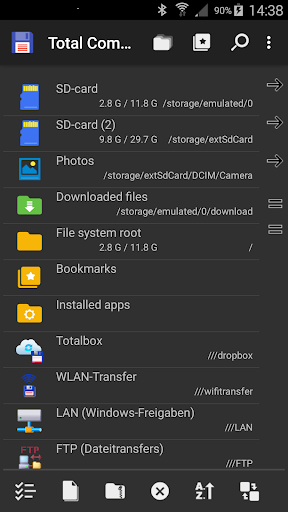
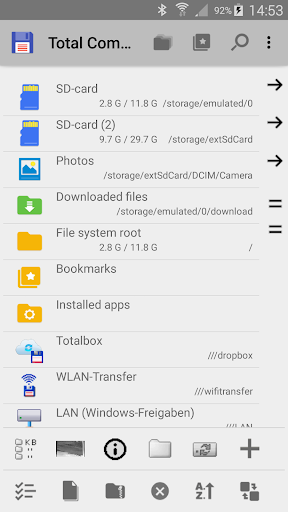
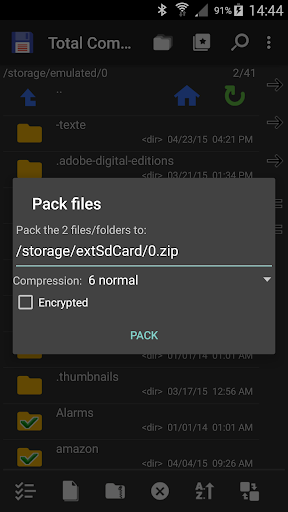
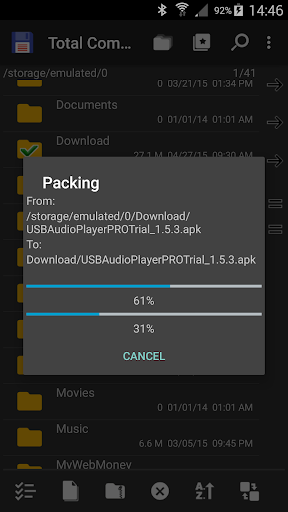
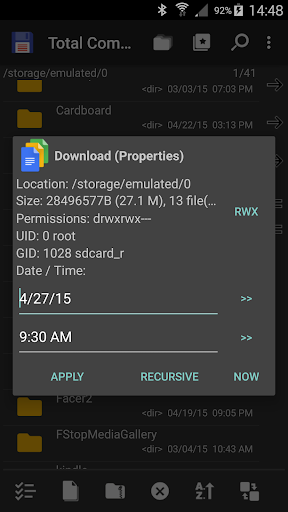
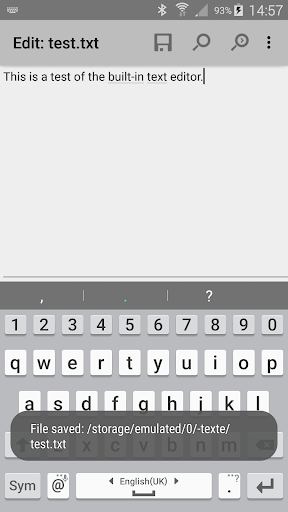
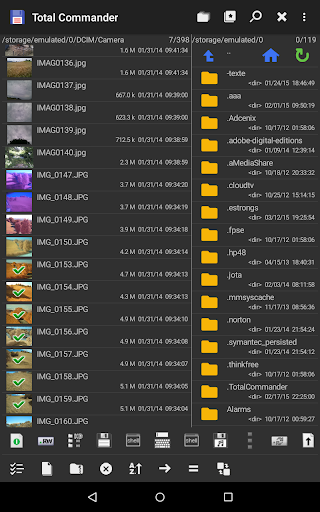
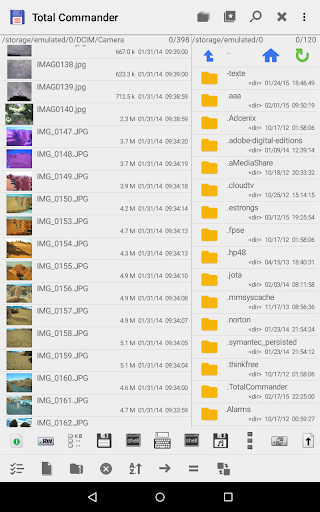
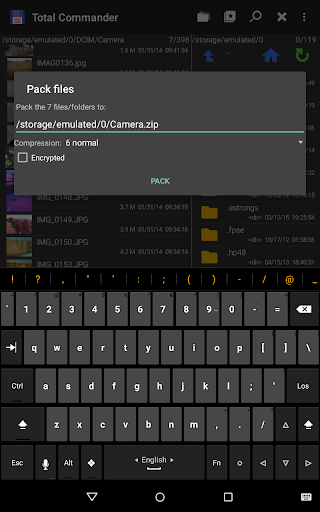
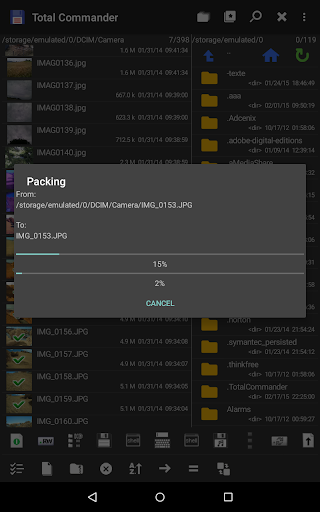
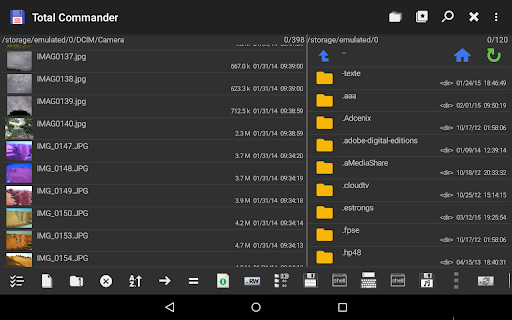
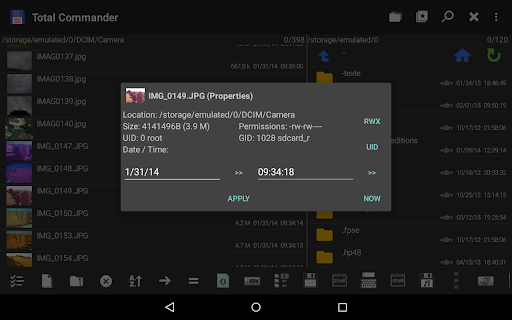
Total Commander - file manager helps you organise files and folders on an Android device. You can copy or move folders, rename items, create directories, search files, and work with ZIP and RAR archives. A built-in text editor and file properties add useful tools for people who regularly inspect or manage files, rather than only opening recent downloads.
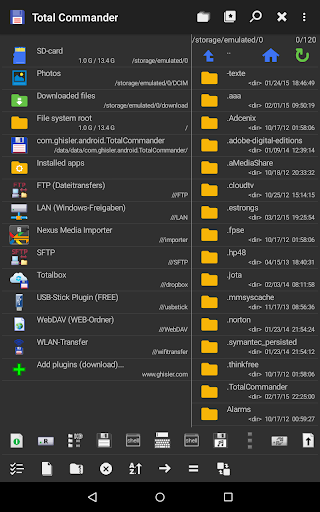
The two-panel layout can make moving items between folders more direct, and you can also use bookmarks and directory history to return to places you visit often. Group selection and drag-and-drop offer alternatives to handling files one at a time. Deletion has no recycle bin, so it is worth checking selections before removing anything.
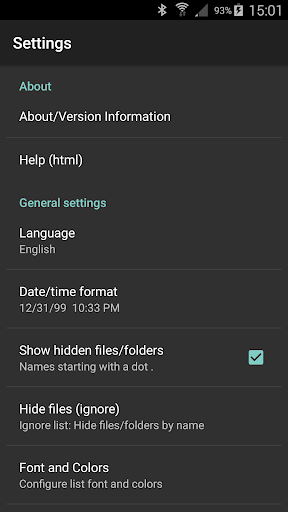
The core file tools are joined by optional plugins for services such as FTP, SFTP, WebDAV, LAN folders and cloud storage. That makes the app relevant to people who move files between a phone and other locations, but some of those connections require extra components. Root functions are optional and intended for rooted devices; they allow access to system areas, so they are not needed for ordinary file organisation.
Developed by C. Ghisler, the app has 10,000,000+ installs and 212,511 ratings, with an average rating of about 4.0. That is a substantial user base, though the numbers alone cannot show how actively the app is maintained. Its range of controls may suit someone willing to settle into a dedicated file manager; anyone wanting only a simple file viewer may not need this much functionality.