Storage Clean - Quick & Secure
HLIMATE INNOVATIONS PRIVATE LIMITED
Downloads
100,000+
Source
Google Play
Click to download now, finish the installation quickly, and directly unlock the all-round experience
Screenshots


Click to download now, finish the installation quickly, and directly unlock the all-round experience
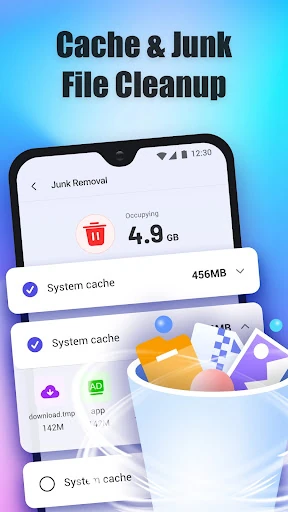
Storage Clean - Quick & Secure brings together storage cleanup, photo sorting and basic security and privacy tools. It is aimed at Android users who want one place to review clutter, check app usage or add a lock to selected apps, rather than opening separate utilities for each task.
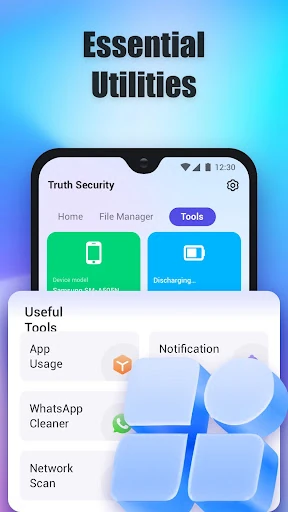
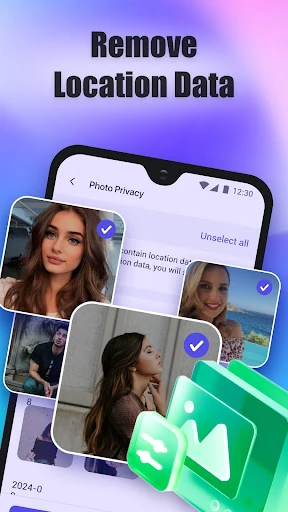
Its listed tools include a junk and cache cleaner, a photo cleaner for duplicates and screenshots, a malware scanner and Wi-Fi safety check. Privacy options include removing location details from photos and locking apps with a PIN. Usage statistics and system information round out the set. These are practical jobs, but the listing alone cannot show how accurately the app identifies files or threats, so review what it proposes before acting.
A cleaner can be useful when storage is tight or a photo gallery has become hard to manage. The broader collection may also suit someone who wants occasional checks on app use or device information. But these tools solve different problems, and not everyone will need all of them. If you mainly want to clear space, a larger bundle of security and privacy features may be more than you need.
For long-term usefulness, the key question is whether one or two tools become part of a real routine. If you only open the app once to run a cleanup, it may not have much reason to stay. Treat security checks as an extra source of information, not a guarantee that a device or network is safe.
Storage Clean - Quick & Secure is listed in Productivity and has 100,000+ installs. Its rating is 3.6875 from 241 ratings: enough feedback to offer some context, but not a broad basis for assuming it will suit every device or user.
The developer is HLIMATE INNOVATIONS PRIVATE LIMITED. Those details identify who publishes the app and show that it has found an audience; they do not, by themselves, establish how consistently it is maintained. If the app meets a recurring need without adding friction, that is a better reason to keep it than the number of tools on its feature list.